Someone sends you a drawing, you double-click it, and your CAD program says it can’t open the file. Most of the time the file isn’t damaged. It was saved in a newer DWG version than your program understands.
Our free DWG Version Checker tells you in a second which version a DWG or DXF file is and what you can open it with.
How it works
- Open the DWG Version Checker.
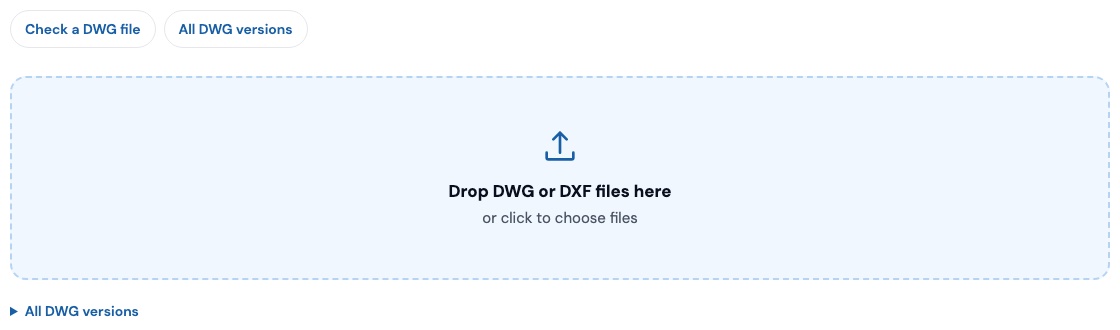
- Drop one or more DWG or DXF files on the page (up to 20 at a time), or click to choose them.
- For each file you get the DWG format, the AutoCAD release that introduced it, the year, and whether AutoCAD, AutoCAD LT and progeCAD can open it.
Your file never leaves your computer. A DWG file starts with a short version code, such as AC1032. The checker reads only the first few bytes in your browser to find it. Nothing is uploaded.
It also catches the usual mix-ups: a ZIP archive with drawings inside, a PDF named like a drawing, an empty file from a copy that didn’t finish, and DXF files with or without a version header.
DWG versions at a glance
AutoCAD doesn’t change the file format every year. One format usually covers several releases:
| Version code | Format | Used by |
|---|---|---|
AC1032 | AutoCAD 2018 | AutoCAD 2018 and later (still the current format) |
AC1027 | AutoCAD 2013 | AutoCAD 2013–2017 |
AC1024 | AutoCAD 2010 | AutoCAD 2010–2012 |
AC1021 | AutoCAD 2007 | AutoCAD 2007–2009 |
AC1018 | AutoCAD 2004 | AutoCAD 2004–2006 |
AC1015 | AutoCAD 2000 | AutoCAD 2000, 2000i, 2002 |
AC1014 | Release 14 | AutoCAD R14 |
AC1012 | Release 13 | AutoCAD R13 |
AC1009 | Release 11/12 | AutoCAD R11 and R12 |
Older formats back to AutoCAD 2.5 (1986) are in the full table on the tool page.
“My program can’t open it.” What now?
- The file is newer than your program. Ask the sender to save it down to an older DWG version. Or open it in a program that reads the current format and use Save As to pick an older version yourself.
- The file is very old. Every current DWG program opens older formats. Open it and save it in a newer version to keep it current.
- The checker says it isn’t a DWG. Unzip it first if it’s a ZIP. If it’s a PDF, progeCAD can convert the PDF to an editable DWG.
Open every DWG version with one program
progeCAD reads and writes DWG natively, from R12 to the current 2018 format, so you can open a client’s file and send it back in whatever version they need. It costs $540 one time, with a perpetual license and no subscription. If you’re weighing options, see how to edit DWG files without AutoCAD.
The DWG Version Checker is one of five free CAD tools on our site, along with scale calculators, block libraries, a part generator and reference downloads.
Drop a file in the free checker. If your program can’t open it, try progeCAD 2027 free for 30 days.
Like progeCAD USA on Facebook for more CAD tips, tutorials and news.